30 July 2026
LearnHow to Sell Tickets for a Pumpkin Patch or Farm Open Day Online (UK Guide)
Selling tickets for a pumpkin patch or open day the old way usually means a Facebook post, a spreadsheet, and a paper list at the gate — with no real cap on how many people turn up at once. If you've ever had a car park overflow onto the verge at 2pm on a Saturday, you know why timed entry matters. Here's how to sell proper timed-entry tickets online, with a QR code that admits people at the gate, without needing a ticketing agency or a percentage-hungry third-party platform.
Not set up yet?
This uses The Farm Stall's ticket sales feature, available to Partners — free to activate, 2.5% commission per paid booking, nothing at all for free tickets.
Step 1: Decide your dates and time slots
Set a start and end date for your event — up to 28 days — plus your opening and closing time each day. Choose how often visitors can arrive: every 15, 30 or 60 minutes works well for spreading a crowd through the day. Running a one-off event that all starts at the same time instead, like a small festival or a single evening event? Set the same opening and closing time and you'll get one single bookable sitting rather than a spread of slots. Mark any specific days within the window you're closed, too.
Step 2: Set capacity per slot
This is the bit a paper gate list can't do properly: cap how many people can enter in each time slot, and once it's full, it's full — buyers see it as unavailable and can't book past capacity. No more turning cars away at the gate because three times as many people showed up as you expected.
Step 3: Add your ticket types — and any extras
Add adult, child, concession, or whatever pricing structure suits your event, each with its own price. Free entry works too — set a ticket type to £0 and it books instantly with no payment step at all, handy for a free open day where you still want a cap on numbers.
Charging for something beyond admission — pick-your-own pumpkins, animal feed, a wagon ride — add it as its own ticket type and mark it as an add-on. It gets priced and booked in the same order as admission, but doesn't use up any of your gate capacity, so a family buying six extra pumpkins doesn't accidentally fill six of your admission spaces.
Worked example
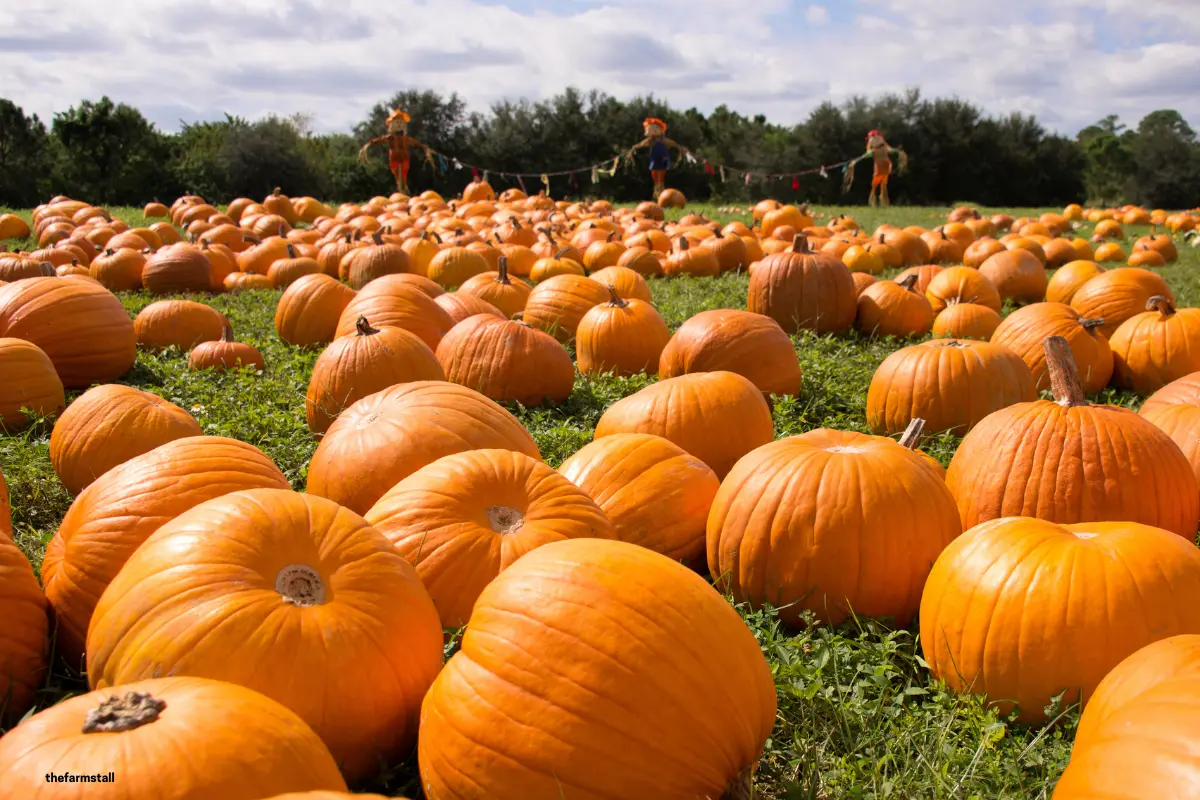
A pumpkin patch runs 10am–4pm across three weekends in October, entry every 30 minutes, capacity 25 per slot. Ticket types: Admission — £5, Under 2s — free, and Extra pumpkin — £3 (add-on).
- A family of 4 (2 adults, 1 child, 1 under-2) books the 11am slot: 3 paid admissions + 1 free, plus 4 extra pumpkins — total £19 (3 × £5 + 4 × £3).
- Only the 3 paid + 1 free admission (4 people) count against the 25-person capacity for that slot — the pumpkins don't take up any further space.
- They pay once online and receive a single QR code for the whole booking.
- At the gate, one scan admits all four of them — no counting individual tickets.
Step 4: Share your booking link
Once your campaign's approved, you get a public booking page to share however you like — social media, your mailing list, a poster with a QR code at the farm gate itself. It also shows up automatically as an "Event" tab on your storefront. Buyers pick a date, see what slots are left, choose their tickets, and pay by card, Apple Pay or Google Pay — no app to download.
Step 5: Scan tickets at the gate
Every booking gets one QR code covering the whole party. Scan it with your phone or laptop camera, or plug in a cheap USB or Bluetooth barcode scanner — it works automatically, typing the scan straight in, no separate app or software needed. One scan admits everyone on that booking and marks it used, so it can't be reused.
A few practical tips
- Don't have your dates confirmed yet? Register interest first — share a link, collect emails, no payment involved — then set up the real ticket campaign once you've settled on dates.
- Weather backup plan — if you need to cancel the whole event, cancelling the campaign automatically refunds every booking that hasn't happened yet, so you're not chasing refunds manually.
- Price add-ons realistically — a pick-your-own pumpkin add-on priced too low relative to admission can encourage people to skip booking admission at all if your gate isn't strictly checking; keep admission as the clear "way in".
- One campaign at a time — this is built for short-run events (max 28 days), not a year-round attraction, so plan your next event once the current one's finished.
Ready to sell tickets for your next event?
Sign up free, then set up your first ticket campaign when your dates are ready.